
Introduction
Infrastructure as Code has changed the way teams manage cloud environments. Instead of creating servers manually, engineers now define infrastructure using code. Terraform makes this process simple and powerful.
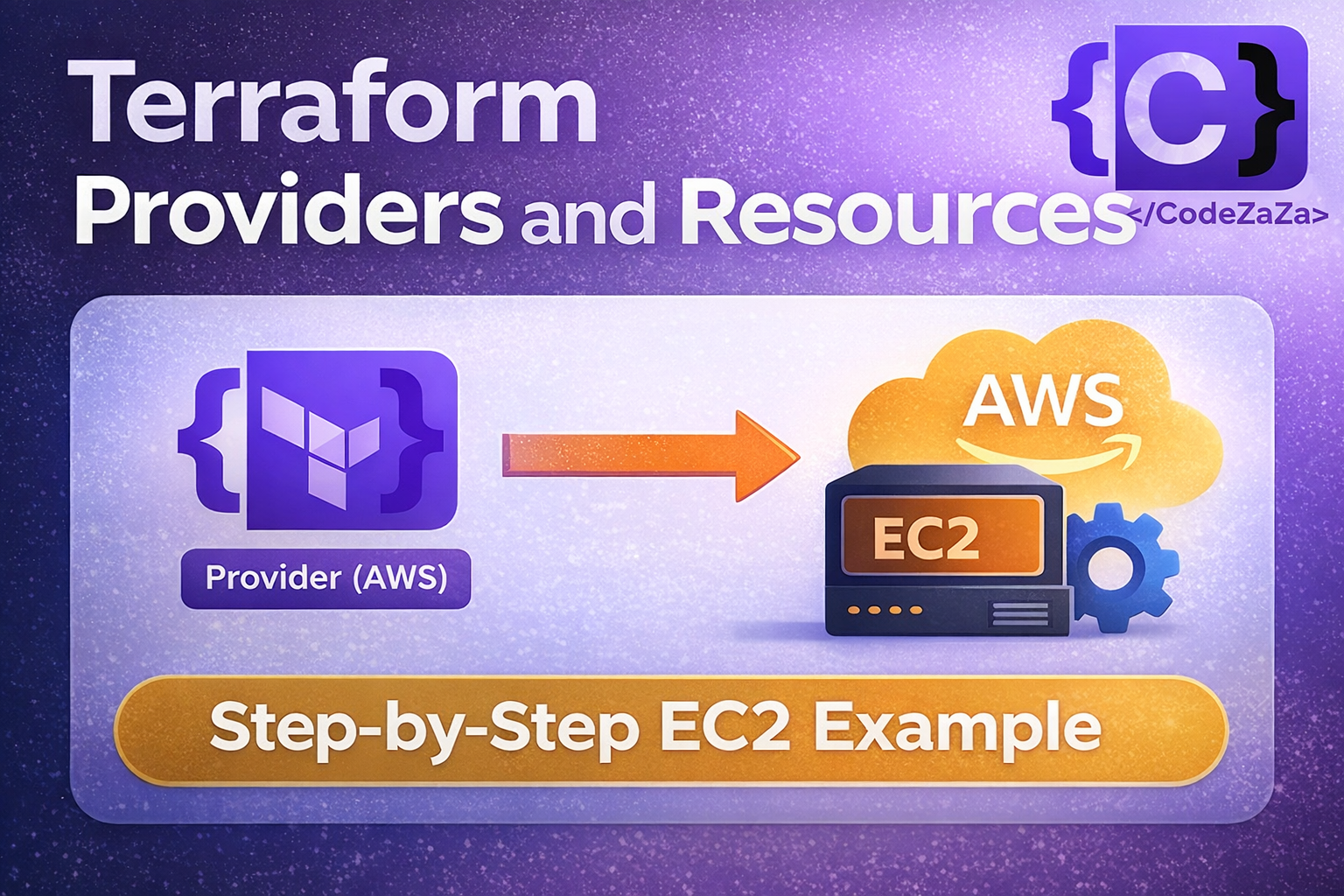
In this guide, you will understand providers and resources in Terraform, how they work, and how to create an EC2 instance step by step.
What is a Provider in Terraform?
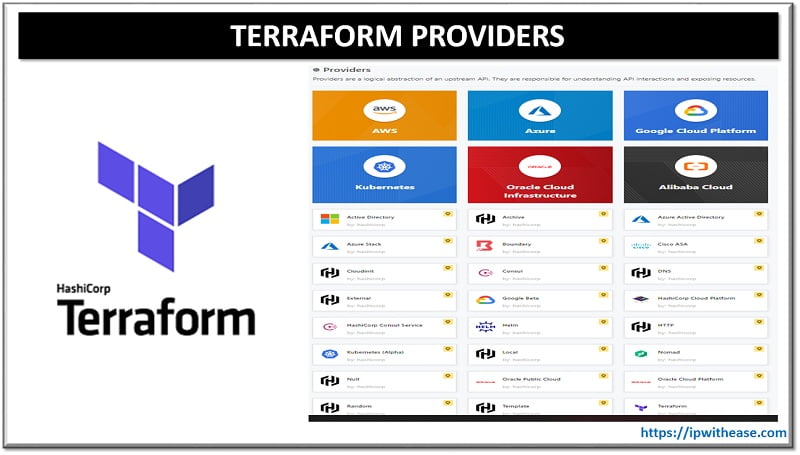
A provider allows Terraform to communicate with external platforms such as AWS, Azure, or Google Cloud.
Think of Terraform as the brain.
The provider acts as the translator.
The cloud platform becomes the environment.
Without a provider, Terraform cannot create infrastructure.
Common Terraform Providers:
- AWS
- AzureRM
- Docker
- Kubernetes
Custom providers
Custom providers in Terraform allow you to extend its functionality beyond official or community-supported services.
They are typically written in Go using the Terraform Plugin Framework or SDK.
Custom providers help manage internal APIs, proprietary tools, or unsupported platforms.
This flexibility makes Terraform highly adaptable for unique infrastructure needs.
Installing Providers in Terraform
Terraform installs providers automatically when you initialize a project.
You define required providers inside a terraform block:
terraform {
  required_providers {
    aws = {
      source  = "hashicorp/aws"
      version = "~> 5.0"
    }
  }
}
After defining the provider, run:
terraform initThis command:
- Downloads the provider plugin
- Creates the
.terraformdirectory - Prepares the working environment
Always run terraform init before planning or applying changes.
Provider Configuration
After installation, configure the provider to connect to your cloud account.
For AWS:
provider "aws" {
  region = "ap-south-1"
}
This configuration tells Terraform:
- Use AWS
- Deploy resources in the Mumbai region
Make sure AWS credentials are configured using:
aws configureUnderstanding Resource Blocks
A resource represents actual infrastructure.
For example:
- EC2 instance
- S3 bucket
- Virtual machine
- Security group
Basic resource syntax:
resource "provider_resource_type" "name" {
  argument = value
}
Example: Create an EC2 Instance
resource "aws_instance" "demo_ec2" {
  ami           = "ami-xxxxxxxx"
  instance_type = "t3.micro"

  tags = {
    Name = "Terraform-Demo"
  }
}
Here:
aws_instanceis the resource typedemo_ec2is the logical nameamidefines the OS imageinstance_typedefines server size
Terraform Resource Lifecycle
Terraform follows a simple lifecycle:
1.terraform init
Initializes a Terraform working directory.
It downloads required provider plugins and sets up backend configuration.
This command must be run before using plan or apply.
2.terraform plan
Previews the changes Terraform will make to the infrastructure.
It compares the current state with the configuration files.
No resources are created or modified at this stage.
3.terraform apply
Executes the changes proposed in the plan.
It creates, updates, or modifies infrastructure resources.
Terraform asks for confirmation before making changes (unless auto-approved).
4.terraform destroy
Removes all resources defined in the configuration.
It safely deletes infrastructure managed by Terraform.
Terraform shows a plan before destroying and asks for confirmation.
Create an EC2 Instance Using Terraform
Below is a complete working example:
terraform {
  required_providers{
    aws = {
      source = "hashicorp/aws"
      version = "~> 5.0"
    }
  }
}

provider "aws" {
  region = "ap-south-1"
}

resource "aws_instance" "demo_ec2" {
  ami = "ami-019715e0d74f695be"
  instance_type = "t3.micro"

tags = {
  Name = "Terraform-Demo"
  }
}
Run the following commands:
terraform init
terraform plan
terraform apply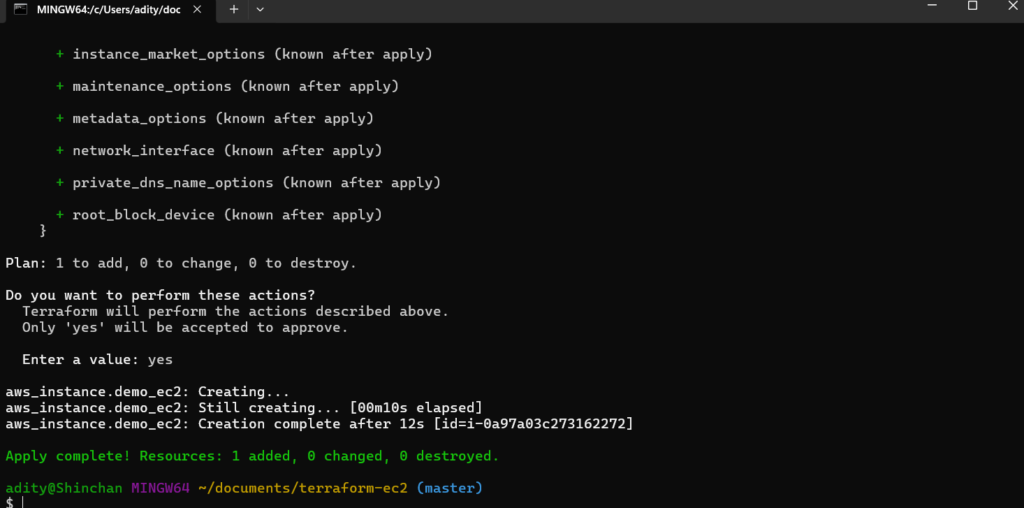
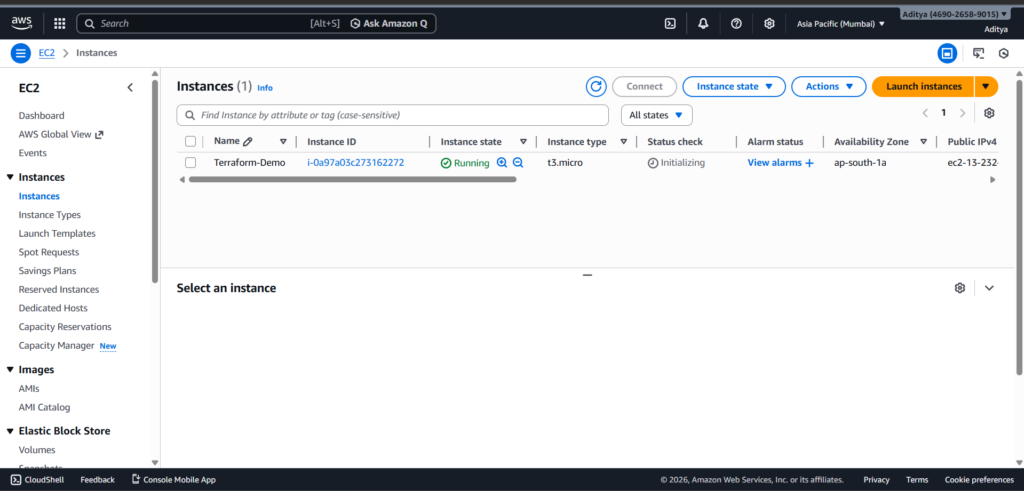
Terraform creates the EC2 instance automatically.
After verification, remove it using:
terraform destroyWhy Providers and Resources Matter
Providers allow Terraform to connect with cloud platforms.
Resources define the infrastructure you want to create.
Together, they form the foundation of Infrastructure as Code.
Without providers, Terraform cannot communicate.
Without resources, Terraform has nothing to create.
Key Takeaways
- Providers connect Terraform to cloud platforms.
- Terraform installs providers using
terraform init. - Resource blocks define infrastructure.
- The lifecycle includes init, plan, apply, and destroy.
- EC2 instances can be created in minutes using Terraform.
Conclusion
Understanding providers and resources in Terraform gives you real control over infrastructure management.
A provider (like AWS, Azure, or GCP) acts as the bridge between Terraform and the cloud platform, while resources define the actual components you want to create—such as EC2 instances, S3 buckets, or VPCs.
Instead of manually clicking through the AWS console, you describe everything in code.
This method, known as Infrastructure as Code (IaC), ensures your setup is repeatable, version-controlled, and consistent across environments.
As a result, teams reduce human error, automate deployments, and scale systems more efficiently.
Start with small projects, experiment frequently, and gradually build complex architectures with confidence.
